Welcome to Brictone’s Gallery, in 3D! Take a stroll through the gallery, get inspired then create your own. Whether it’s video games, board games, fantasy, sculptures or a new story, you should find something here.
Art
Click or tap and drag left and right
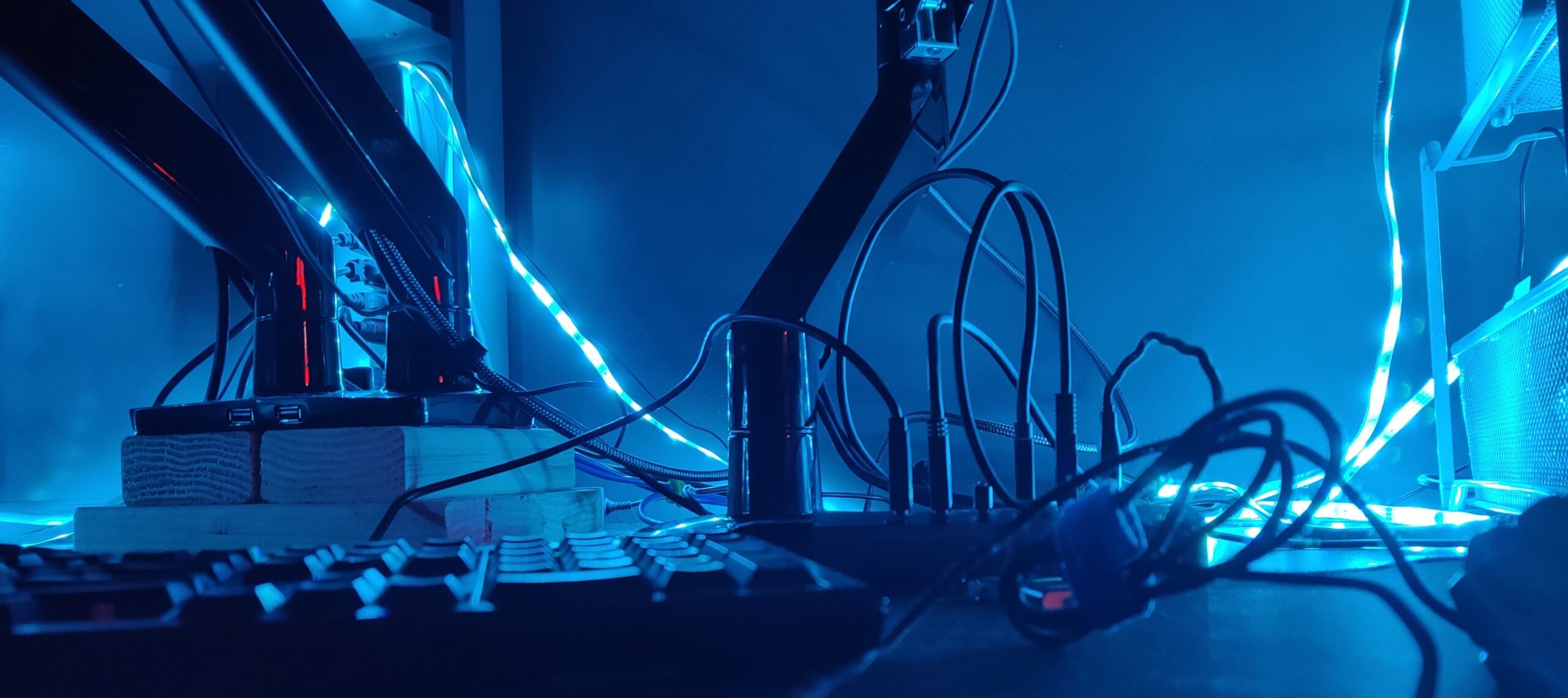
Behind the scenes
A little sneak peak from behind the scenes.
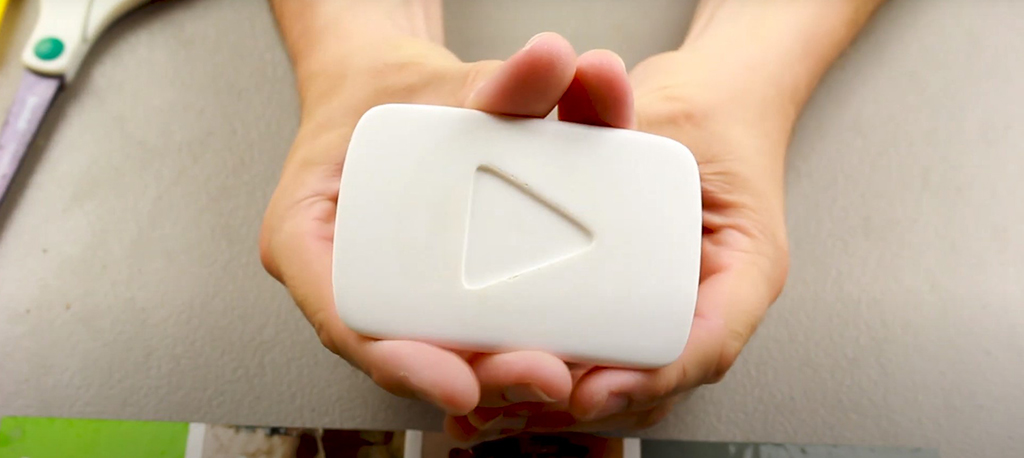
3D Printed YouTube Play Button
I worked with Chris from Immodernation on YouTube to make this YouTube Play Button for his channel at 5k subs. Contact me and get yours today!
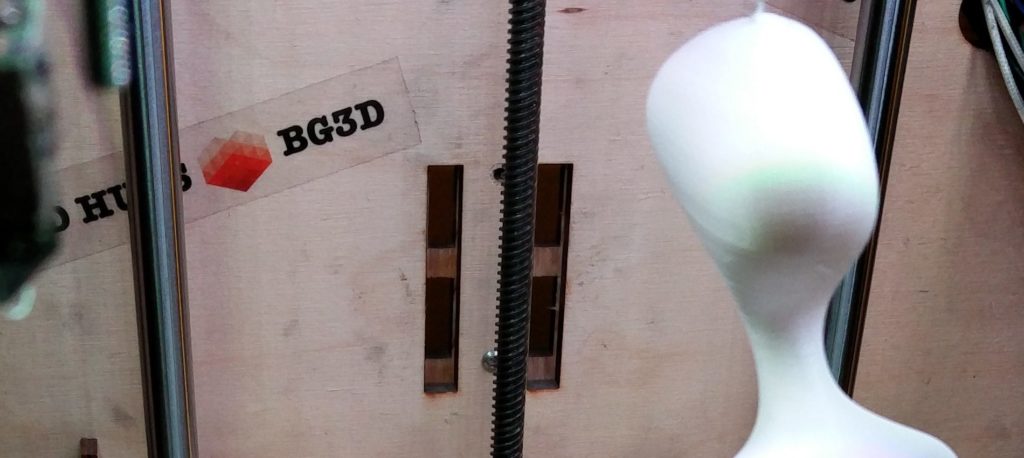
Ambidextrous
This is an art sculpture I created called Ambidextrous. I call it that because from time to time I flip it around and it has a different look. I like…
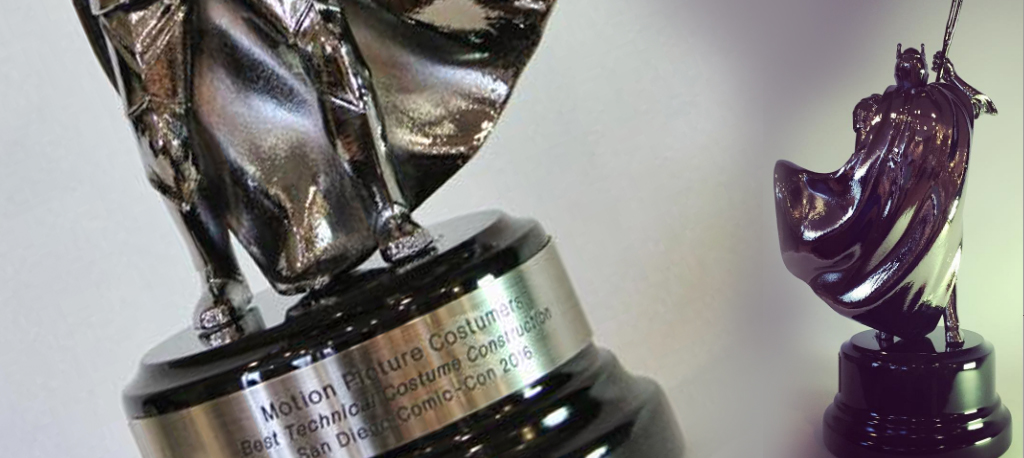
Comic-Con 2016 Masquerade Ball trophy
Working with The Build Shop and Amelia from the Motion Picture Costumers Union, Local 705, We Modeled, 3D Printed, and then electroplated for the final look. I 3D modeled this…
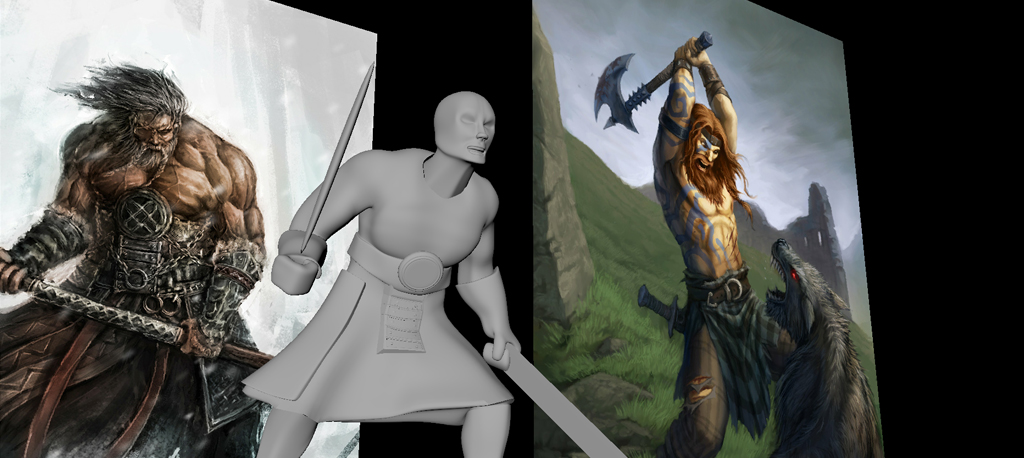
Akralon Celtic Barbarian
Deep inside the mountain forests of Akralon, known for their unparalleled beauty and dangerous inhabitants, roams a fearless warrior known as the Celt. As the arctic wind knifes through his…
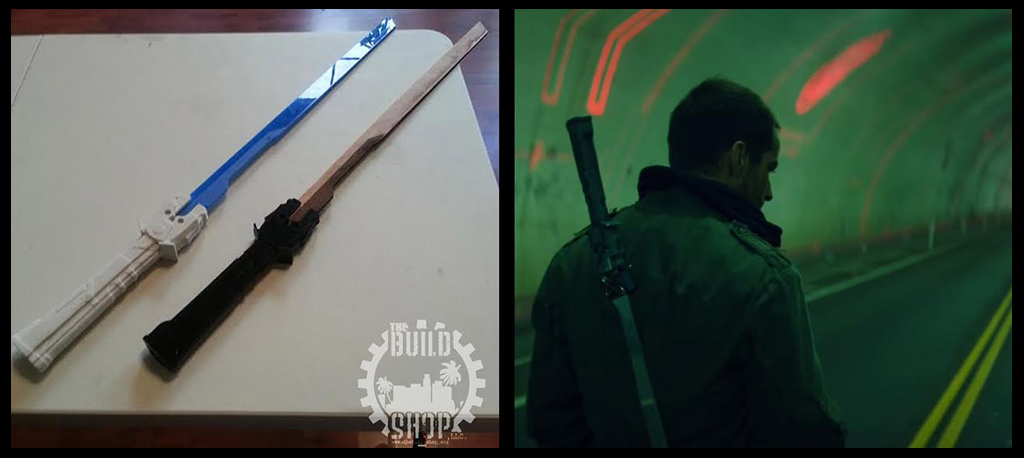
Cyber Sword and Knife – POWER/RANGERS UNAUTHORIZED [BOOTLEG UNIVERSE]
Designed and 3D Modeled back in August of 2014 with The Build Shop. This was for Power Rangers bootleg by Adi Shankar. Amazing 10 min fan film. Watch it here!…
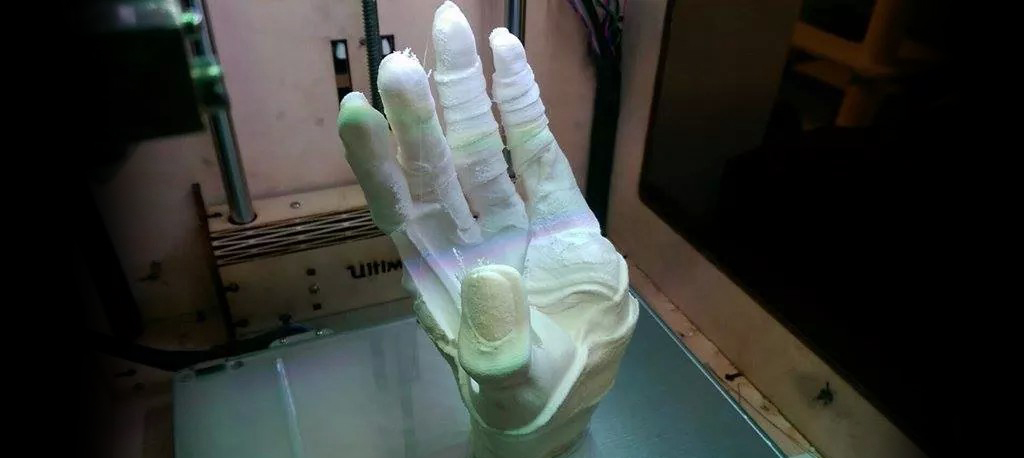
Mummy Hand
Modeled in Maya then Mudbox then 3D printed on my Ultimaker. Click image for HiRez interactive 360. Click image for interactive 360
About
I’m Brictone, a 3D Artist. I use a 3D printer to create original works of inspiration, or interactive art pieces. The final artwork can be anything from a sculpture or a miniature game piece for a board game, no coat hangers or phone cases here. My inspiration is the intangible desire to make beautiful design. Contact me at
Partners and Affiliates
Support Brictone by visiting these partners or purchasing from Affiliates.

Contact
Send Brictone a message!